Fuel-aware routes
Plan around aircraft range, cruise speed, fuel burn, reserve, and preferred stop time instead of treating every airplane the same.
 AeroTrail
Fuel-aware flight planner for iPhone and iPad
Build practical general aviation routes around your aircraft, fuel range, stops, and flying days—then carry a cleaner plan into final flight preparation.
Built before the briefing
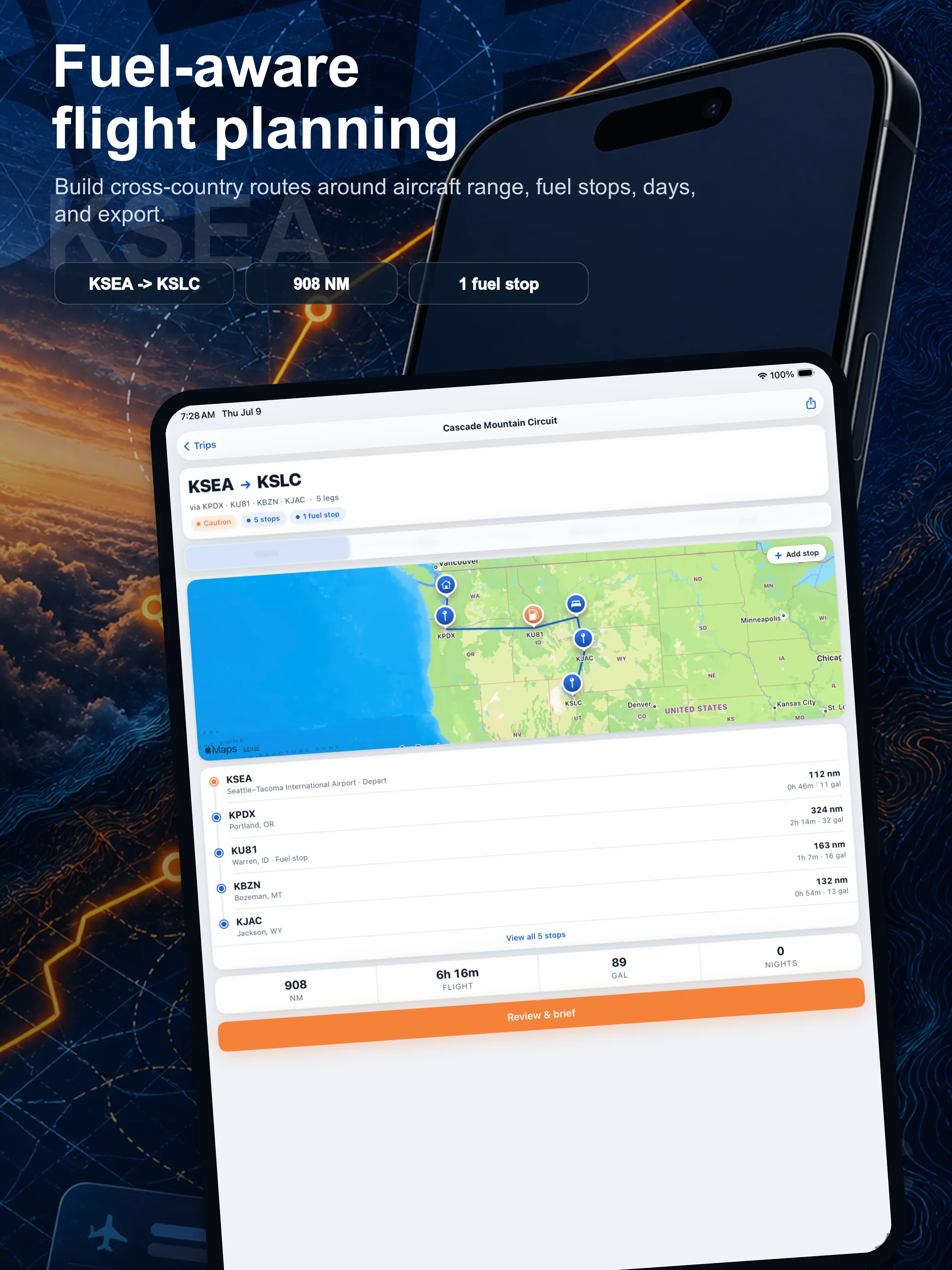
AeroTrail is a fuel-aware general aviation trip planner for iPhone and iPad. Start with a departure, add the destinations worth flying to, and choose an aircraft profile. AeroTrail turns those choices into a plan you can inspect on a map, in a stop list, or as a day-by-day brief.
AeroTrail focuses on shaping the trip before the final briefing, with current official navigation, weather, NOTAM, fuel, airport, and regulatory resources completing your flight preparation.
What you can plan
Plan around aircraft range, cruise speed, fuel burn, reserve, and preferred stop time instead of treating every airplane the same.
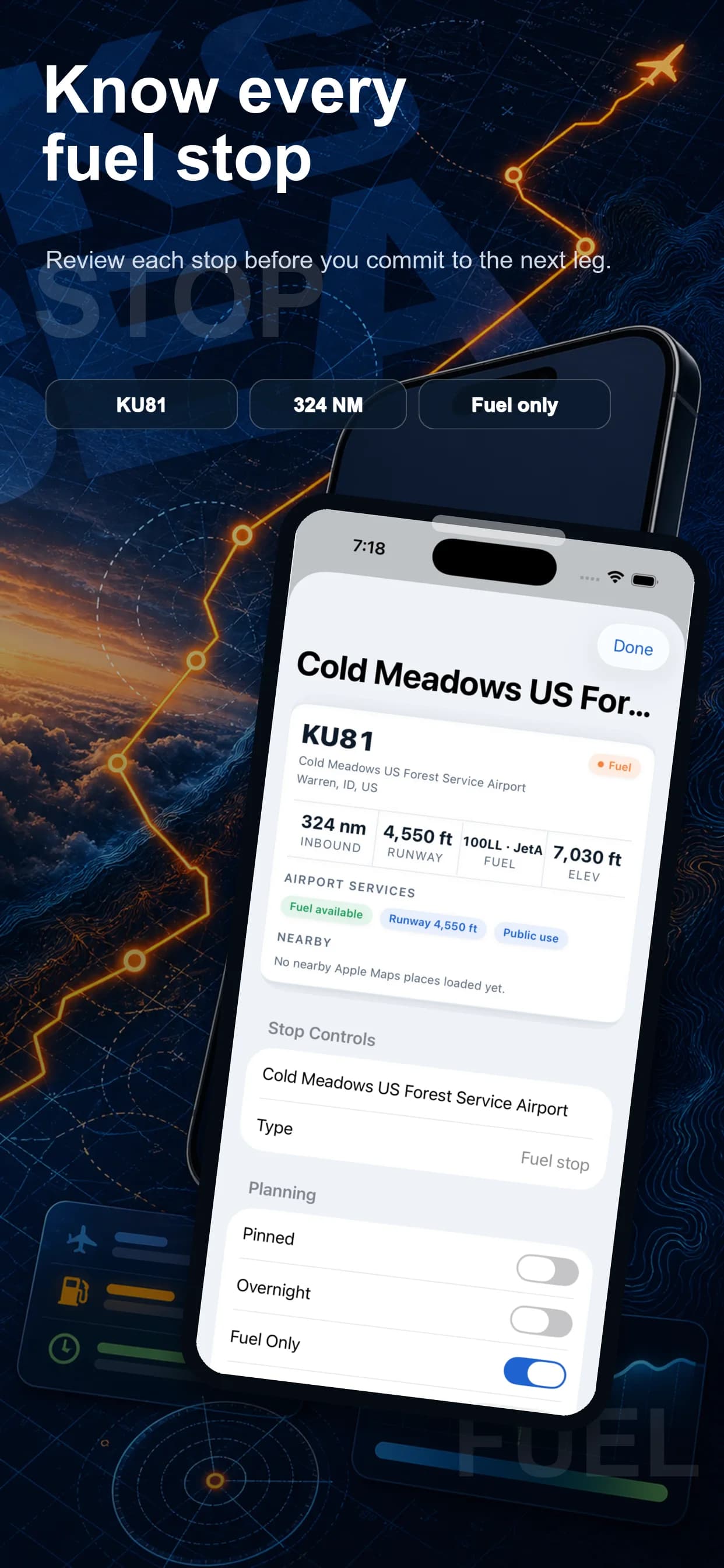
AeroTrail can suggest fuel stops whenever a route calls for one based on your safe planning range, while keeping route fit and airport preferences in view.
Compare relaxed, balanced, and longer-day plans with distance, flight time, ground time, fuel stops, and overnights organized by day.
Pin important stops, mark overnights, add rest days, apply airport preferences, reorder destinations, and optimize again when the trip changes.
Start with a built-in profile or create your own using the performance and fuel assumptions that shape your cross-country planning.
Export a full trip or one flying day at a time for compatible flight-planning workflows when the route is ready for final review.
The current iOS experience







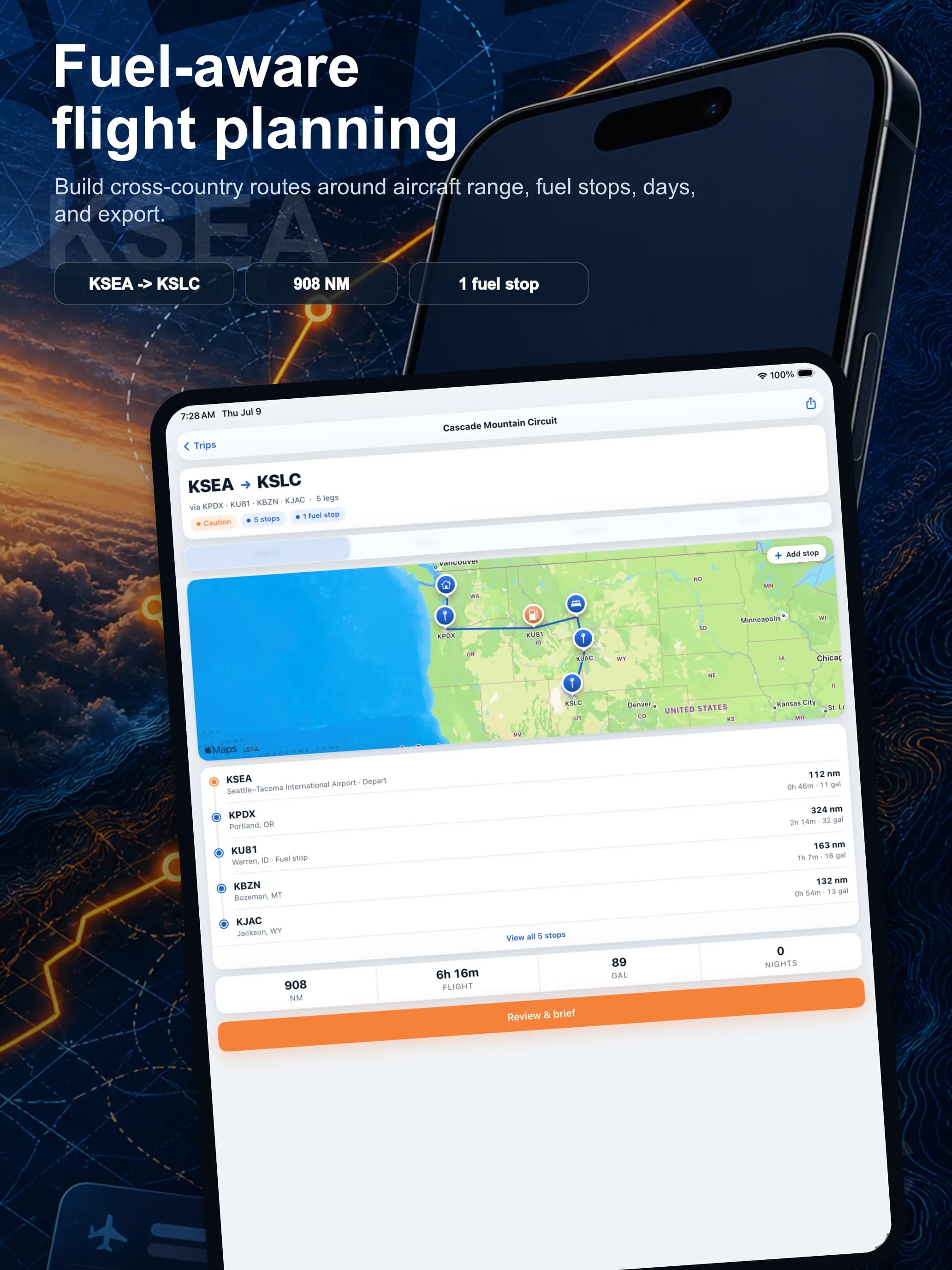
Native on iPad
AeroTrail’s purpose-built iPad layout keeps route context, map detail, stops, and planning actions visible in a workspace designed for a larger screen.
From idea to handoff
Before you download
AeroTrail gives you a focused workspace for shaping a cross-country before the final briefing. Complete each flight plan with current official route, fuel, weather, NOTAM, airspace, airport, aircraft-performance, regulatory, and navigation resources.
AeroTrail is designed for general aviation pilots shaping multi-stop cross-country trips where aircraft range, fuel stops, overnights, and the pace of each flying day all matter.
Yes. AeroTrail has native layouts for iPhone and iPad, including a roomier iPad planning workspace for reviewing the whole route.
Yes. AeroTrail can export a full trip or an individual day as a Garmin/ForeFlight-compatible .fpl file for final review in compatible tools.
AeroTrail supports private iCloud trip sync when iCloud is available. It also offers an optional CalendarHub connection for syncing selected trip plans into your broader calendar workflow.
Ready for departure
Available for iPhone and iPad from the Apple App Store.