
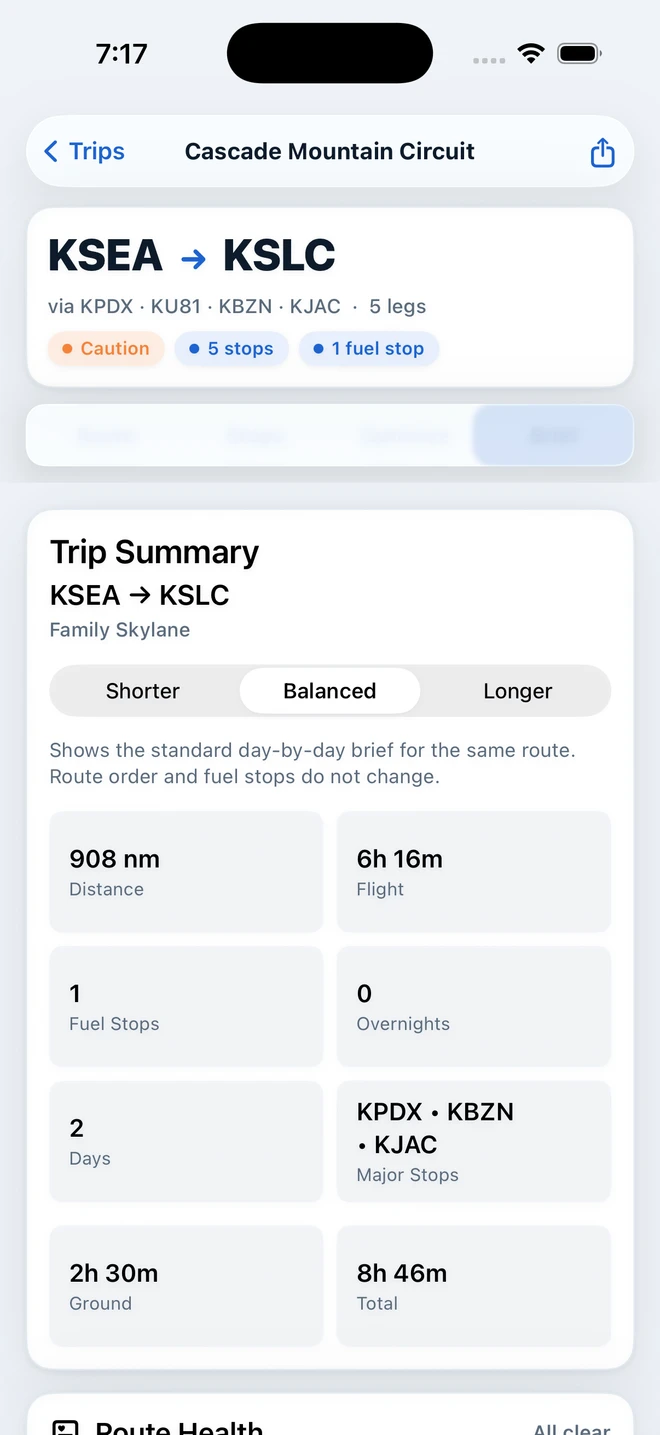
Shape the trip in one place
Build your route around the destinations you want to visit and the aircraft you will fly. Refine the stop order, review fuel-stop suggestions, and organize overnight stops and rest days before exporting.
Choose the whole trip or one day
Export the full route when you want the big picture, or export an individual flying day when you are preparing that part of the journey. AeroTrail creates a Garmin/ForeFlight-compatible .fpl file from your selected plan.
Use the iOS share sheet
Share the exported file from AeroTrail. Save it to Files when you want to import it from a compatible flight-planning app, then open and review the imported route in that app.
Finish with your usual flight preparation
Review the route against current navigation, weather, NOTAM, airspace, fuel, and airport information. AeroTrail supports the trip-planning stage; your established briefing and filing workflow completes the preparation for each flight.
A route you can carry forward, a trip you can keep refining.
Buy AeroTrailPaid app. See the App Store for your local price.